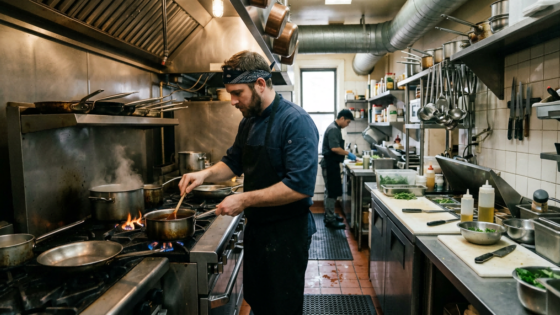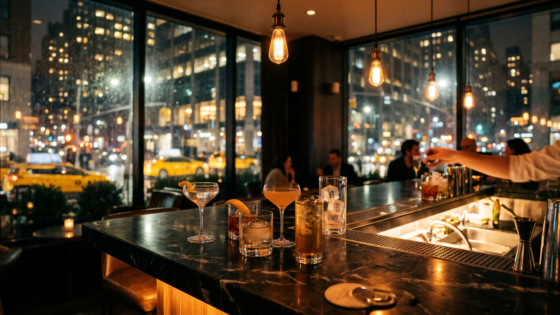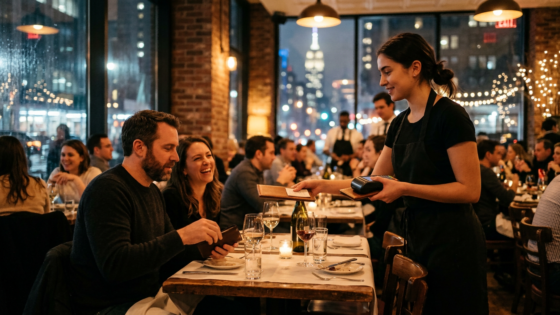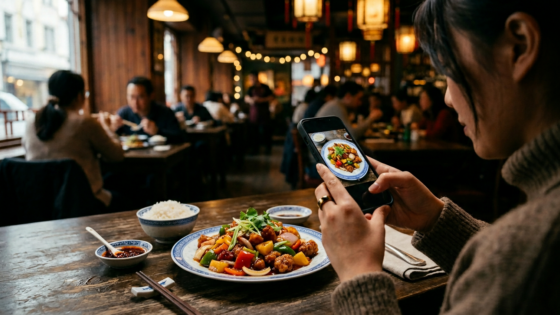
Pull up any restaurant’s Google Maps listing and look at the photos. Not the ones the owner uploaded — the ones customers added. They’re usually imperfect: slightly overexposed, taken at an awkward angle, missing half the dish. And yet those customer photos often outperform professional shots when it comes to driving orders. Why? Because they’re authentic. A stranger took time to photograph their meal because they were excited about it. That’s a more compelling recommendation than any marketing photo you can stage.
Customer-uploaded photos — what marketers call user-generated content, or UGC — have become one of the most valuable free marketing assets a restaurant can accumulate on Google Maps. Research shows that restaurants with appealing photos receive 42% more requests for directions and 35% more website clicks than listings without them. The question isn’t whether you want more food photos on your listing. The question is how you make it happen consistently, without pestering your customers.
Key Takeaways
- Customer-uploaded photos carry more trust than owner-uploaded ones — they’re authentic social proof.
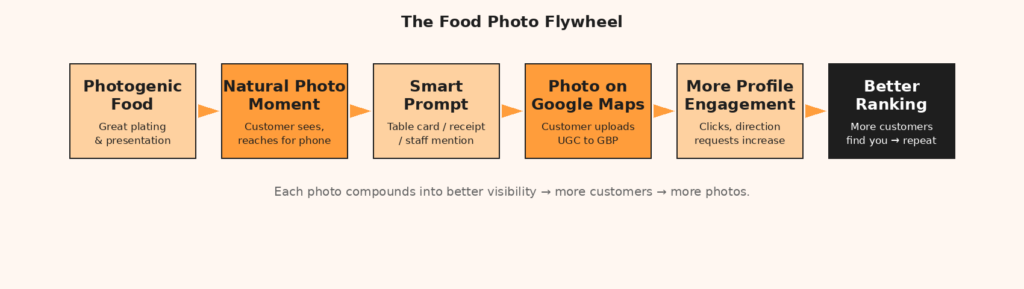
- The biggest driver of food photography is the food itself: photogenic plating is your most scalable strategy.
- A simple, well-timed nudge (table card, receipt QR, staff mention) dramatically increases photo upload rates.
- Creating shareable moments — interactive dishes, seasonal specials, unique presentations — generates UGC without asking.
Why Customer Photos Outperform Yours
Consider the psychology of a diner browsing restaurant options on Google Maps. They see two listings with similar star ratings. One has 15 polished professional photos. The other has 8 professional photos plus 40 photos uploaded by customers — slightly imperfect, taken on phones, but clearly from real meals. The second listing wins because it answers the question that matters most: What will my meal actually look like?
Google’s algorithm also treats customer-uploaded photos differently. They represent genuine engagement — a real person visited, had a good enough time to take a photo, and chose to share it. According to Ahrefs’ research on Google Maps SEO, photos and visual content are among the signals Google uses to assess the quality and activity level of a listing. A profile with regular new photos — especially customer-generated ones — signals an active, high-engagement business.
The Prerequisite: Making Your Food Worth Photographing
No amount of prompting will generate great food photos from dishes that aren’t visually compelling. Before thinking about tactics, think about the food itself.
Plating Is Marketing
You don’t need to redesign your entire menu. But for your highest-volume or most distinctive dishes, a small investment in presentation — a garnish, a contrasting sauce, a distinctive serving vessel — can transform a functional dish into a photographable one. Food psychology research consistently shows that color contrast, visual height, and garnishes are the primary drivers of whether a customer photographs their meal.
Chinese cuisine has a natural advantage here. Dishes with vibrant sauces (mapo tofu’s deep red, steamed fish with ginger and scallion, Peking duck with its lacquered skin), colorful dim sum, or dramatic presentation at the table are inherently photogenic. Make sure they arrive looking their best — consistent plating is a discipline, not a special occasion.
Packaging for Takeout Orders
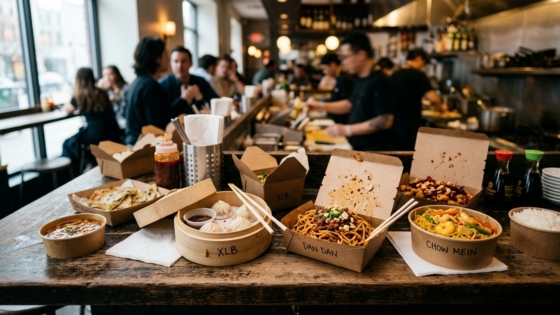
A significant portion of your photo opportunity is takeout orders — and most restaurants entirely miss it. Takeout packaging that looks good when opened, that arranges dishes attractively, and that includes a small branded touch (a napkin with your logo, a cheerful note) creates a photo moment at home. When someone opens their takeout bag, gets a pleasant surprise, and photographs it at their kitchen table, that photo can end up on Google Maps, Instagram, or both. Design your takeout packaging as intentionally as you’d design your table setting.
The Tactics: How to Prompt Without Being Awkward
Table Cards and QR Codes
A small table card — single-sided, visually clean — that says “Loved your meal? Share a photo on Google Maps and help other diners find us” with a QR code linking directly to your GBP photo upload section is the lowest-friction prompt available. Customers who are already feeling good about their meal and have their phones out will scan it naturally. Replace the card design seasonally to keep it from becoming invisible through familiarity.
Receipt Prompts for Takeout
For phone and online orders, add a small printed insert to the takeout bag: “Tag us on Google Maps — we love seeing your photos!” with a QR code. The insert costs almost nothing per order and reaches a customer at exactly the right moment — when they’re about to open their food and are in a positive anticipatory state.
The Staff Moment
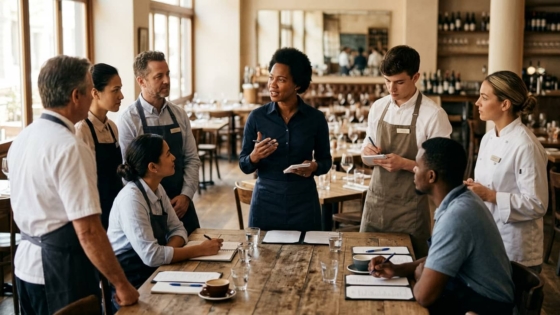
Train one or two staff members to recognize the natural photo moments during dine-in service — when a visually distinctive dish arrives at the table, or when customers already have their phones out. A brief, warm comment — “That one’s really popular on our Google page, people love photographing it” — plants the idea without applying pressure. It’s conversational, not salesy, and it works.
Seasonal and Limited-Time Items
Food research shows that limited-time menu items and seasonal specials are significantly more likely to be photographed than regular menu staples. The FOMO effect is real: customers want to document that they had the Lunar New Year tasting menu, the summer mango shrimp special, the hand-pulled noodle dish that’s only available on weekends. Build seasonal specials into your calendar specifically because they generate organic photo content.
Building a Photo Strategy That Compounds
| Tactic | Effort Level | Photo Volume Potential |
|---|---|---|
| Improve plating on top dishes | Medium (one-time investment) | High — ongoing organic photos |
| Table card with QR code | Low (print once, refresh seasonally) | Medium — consistent prompted photos |
| Takeout bag insert | Low (add to bag pack-out process) | Medium — reaches takeout regulars |
| Seasonal limited-time items | Medium (recipe development) | High — FOMO-driven organic UGC |
| Staff verbal prompt | Low (training only) | Medium — high-quality photos from engaged diners |
| Instagrammable spot in restaurant | Medium (decor investment) | High — generates Instagram content that cross-posts to Google |
Respond to Customer Photos
When a customer uploads a photo to your Google Maps listing, you can interact with it through your GBP dashboard. A simple “thank you” comment on a photo — personalized and warm — makes the photographer feel appreciated and visible to everyone else browsing your listing. It also signals to future customers (and to Google’s engagement metrics) that your restaurant is active and responsive. This is the same principle as consistent engagement that improves your local search visibility.
What Phone Order Customers Don’t Know to Photograph
Here’s the photo gap that most restaurants don’t think about: takeout orders placed by phone have the highest ratio of repeat customers and loyal patrons — exactly the kind of people who would gladly share a photo if they knew it helped. But they never get the prompt. No table card. No receipt insert if the order gets bagged quickly. No follow-up SMS.
Closing this gap requires a system. An SMS sent 30-45 minutes after a takeout order — when the customer is likely eating and feeling good — that includes a link to your GBP photo section is a simple, effective prompt. If your phone ordering system is handled by an AI agent, that follow-up can be automated and consistent. For restaurants using Tunvo, every captured phone order becomes a touchpoint for post-experience engagement.
Frequently Asked Questions
Can I ask customers to upload photos directly to Google Maps?
Yes. Unlike reviews, Google doesn’t restrict asking customers to upload photos. You can include a direct link to your GBP photo section in your table card QR code, your takeout bag insert, and any follow-up communications. The more direct the link, the higher the upload rate — don’t ask customers to “find your restaurant and add a photo.” Give them the link.
How many photos does a Google Business Profile need to see a ranking benefit?
There’s no specific threshold, but research consistently shows that profiles with more photos and more engagement see better visibility in local search. The goal isn’t a target number — it’s consistent, ongoing photo accumulation. Five new customer photos per month beats 50 photos uploaded in a single day and nothing after that. Freshness and velocity matter.
What if customers upload unflattering photos of my food?
This happens occasionally — a dish photographed in bad lighting, or a plate that arrived before it was garnished. You can flag photos that violate Google’s content policies, but you cannot remove photos simply because they’re unflattering. The better response is to make the good photos so plentiful that the occasional imperfect one is invisible. A few hundred good customer photos makes one or two mediocre ones irrelevant.
Should I create an Instagram account to drive Google Map photos?
Instagram and Google Maps serve different but complementary roles. An active Instagram with food photos and location tags does eventually feed into your broader online presence and can generate customers who find you first on Instagram and then look you up on Google Maps. But for directly increasing your GBP photo count, the tactics above — table cards, receipt inserts, SMS prompts — are more targeted and efficient for a busy restaurant owner without a marketing team.
Great food photos start with great takeout experiences. When every phone order is handled with the same precision as a dine-in order — correct items, accurate customization, no missed calls — you create the kind of experience customers photograph and share. Tunvo’s AI voice agent takes orders in English and Mandarin, sends them straight to your MenuSifu POS, and helps you deliver the consistency that earns five-star moments.